Mic & Camera Repair
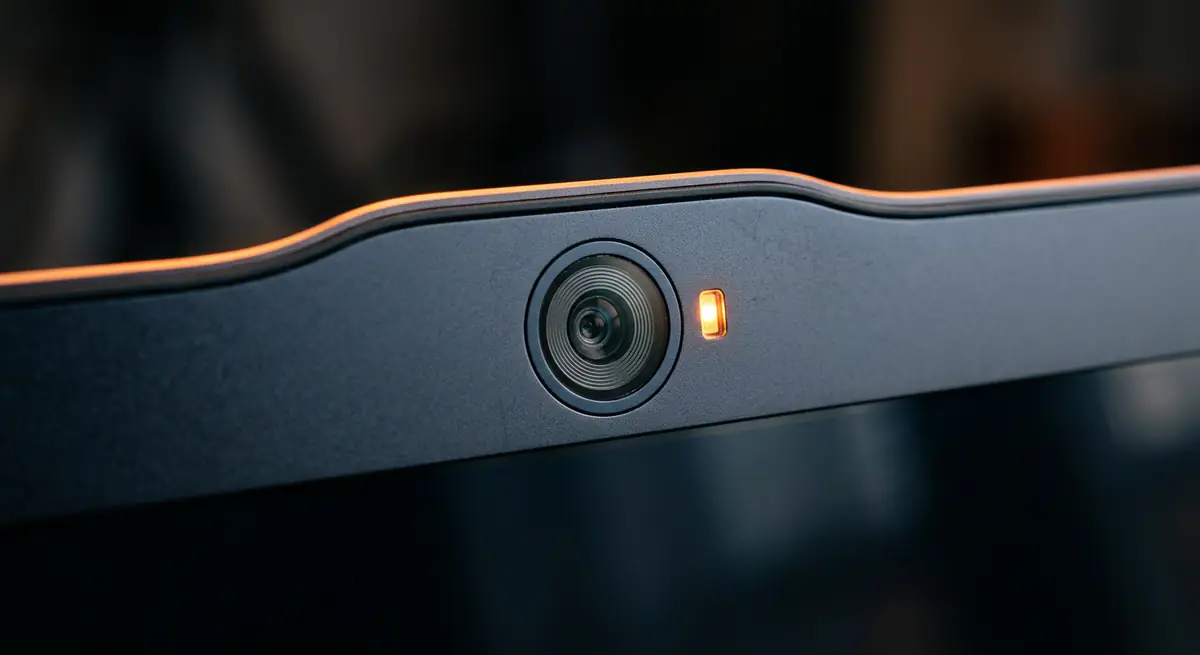
A webcam or microphone that stops working can ruin your calls and meetings. The cause can be privacy settings, drivers or a loose internal cable.
- Typical time30 min – 2 hours
- Service modeAt your doorstep
- PricingUpfront quote
About this service
A webcam or microphone that stops working can ruin your calls and meetings. The cause can be privacy settings, drivers or a loose internal cable.
We check software and hardware and fix it so you are camera-ready again.
What's included
- Webcam repair
- Microphone fixes
- Ready for calls & meetings
- Privacy and app permission check
- Driver reinstall
- Internal cable inspection
- Camera or mic module replacement
- Test call
Brands we repair
- HP
- Dell
- Lenovo
- Asus
- Acer
- Apple
- MSI
- Custom PCs
Do you need this service?
If any of these sound familiar, it's time to get it checked before it gets worse.
Camera not detected
Black or frozen video
Others cannot hear you
Mic very low or noisy
From call to fixed.
Settings
Permissions and privacy switches checked.
Drivers
Correct drivers installed.
Hardware
Cables and modules inspected or replaced.
Test call
Video and audio tested live.
Common causes
What usually leads to this problem.
- Privacy settings blocking access
- Driver issues
- Loose internal cable after screen repair
- Failed camera or mic module
Tips from our technicians
Simple habits that help — before and after the repair.
- Check the physical camera shutter or key
- Allow camera and mic access in settings
- Test in more than one app
Common questions
Everything you need to know about mic & camera repair with Fix Point.
Could it just be a setting?
Often, yes. We check privacy settings and permissions first before opening anything.
My camera works in one app but not another. Why?
Usually app permissions or another app holding the camera. We check settings first.
Can you improve my mic quality?
We can fix hardware faults and adjust settings. For best quality, a headset or external mic may help.
Did my screen repair cause this?
It can happen if a cable was not reconnected properly. We check the connections.
How do I book a repair?
Just call or WhatsApp us on +91 98447 42792, or send a message from our contact page. Tell us the issue and a convenient time, and we will schedule a visit.
Will I get a quote before the work starts?
Always. We diagnose the issue first and give you a clear, upfront quote. No work begins without your approval.
Do you use genuine parts?
Yes. We use genuine or high-quality compatible parts and will always tell you which option you are getting before we fit it.
You may also need
Laptop acting up? Stay put — we'll come to you.
Book a doorstep visit in minutes. Upfront quotes, genuine parts and repairs done right in front of you.