Check-up, Repair & Maintenance
Like a car, a computer runs best with a regular service. Dust, bloated startup programs, outdated drivers and ageing thermal paste slowly drag performance down.
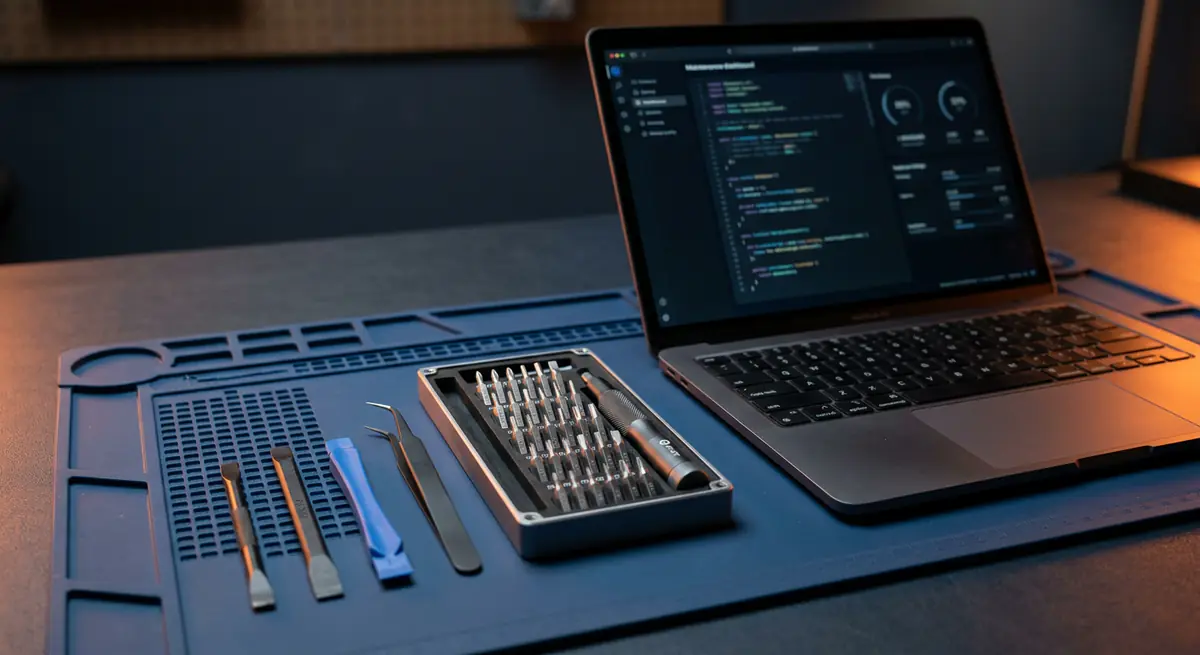
- Typical time1–2 hours
- Service modeAt your doorstep
- PricingUpfront quote
About this service
Like a car, a computer runs best with a regular service. Dust, bloated startup programs, outdated drivers and ageing thermal paste slowly drag performance down.
Our check-up covers hardware and software in one visit, catching small problems before they turn into expensive repairs.
What's included
- Full system health check
- Performance tune-up
- Preventive maintenance
- Full hardware health check
- Startup and background program cleanup
- Driver and OS update check
- Disk health and space review
- Basic internal dust cleaning
- Maintenance tips for your usage
Brands we repair
- HP
- Dell
- Lenovo
- Asus
- Acer
- Apple
- MSI
- Custom PCs
Do you need this service?
If any of these sound familiar, it's time to get it checked before it gets worse.
Slower than it used to be
Fans running loud all the time
Takes ages to boot or shut down
Not serviced in over a year
Frequent pop-ups or unwanted software
From call to fixed.
Book a slot
Pick a time that suits you — home or office.
Health check
We inspect hardware, temperatures, storage and software.
Tune-up
Cleanup, updates and fixes for anything we find.
Handover
We show you the improvements and share a short health report.
Common causes
What usually leads to this problem.
- Dust clogging fans and vents
- Too many startup programs
- Outdated drivers and OS updates
- Nearly full storage drive
Tips from our technicians
Simple habits that help — before and after the repair.
- Keep at least 15–20% of your drive free
- Use the laptop on a hard, flat surface
- Restart regularly instead of only sleeping
- Uninstall programs you no longer use
Common questions
Everything you need to know about check-up, repair & maintenance with Fix Point.
How often should I get a check-up?
Once a year for most users. If you game, edit video or work in a dusty area, every 6 months is better.
Will my files be touched?
No. A check-up does not delete personal data. We only remove junk files and programs with your permission.
Is a check-up useful for a new laptop?
A new laptop rarely needs one, but we can remove pre-installed bloatware and set it up properly if you like.
Can you service several office machines in one visit?
Yes. Tell us how many machines you have and we will plan the visit accordingly.
Does maintenance include cleaning inside?
Yes, basic internal dust cleaning is included. Full repasting is a separate service if temperatures need it.
How do I book a repair?
Just call or WhatsApp us on +91 98447 42792, or send a message from our contact page. Tell us the issue and a convenient time, and we will schedule a visit.
Will I get a quote before the work starts?
Always. We diagnose the issue first and give you a clear, upfront quote. No work begins without your approval.
Do you use genuine parts?
Yes. We use genuine or high-quality compatible parts and will always tell you which option you are getting before we fit it.
You may also need

Laptop acting up? Stay put — we'll come to you.
Book a doorstep visit in minutes. Upfront quotes, genuine parts and repairs done right in front of you.