PC Reformat & OS Upgrade / Downgrade
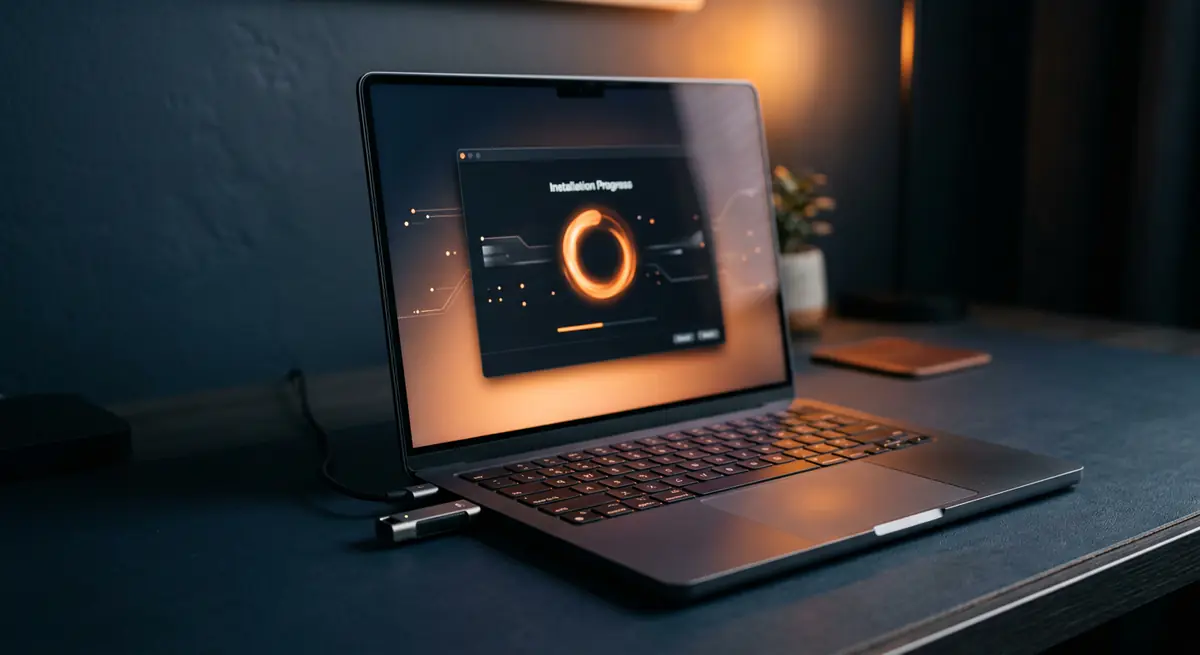
A fresh install is often the fastest way to fix a slow, cluttered or unstable system — or to move to a newer (or older) version of your operating system.
- Typical time2–3 hours
- Service modeAt your doorstep
- PricingUpfront quote
About this service
A fresh install is often the fastest way to fix a slow, cluttered or unstable system — or to move to a newer (or older) version of your operating system.
We back up your important data and basic apps first, so you get a clean system without losing what matters.
What's included
- Clean reformat
- OS upgrade or downgrade
- Basic apps & data backup included
- Backup of important data
- Clean format of the system drive
- All drivers installed
- Basic apps set up
- Data restored to the new system
Brands we repair
- HP
- Dell
- Lenovo
- Asus
- Acer
- Apple
- MSI
- Custom PCs
Do you need this service?
If any of these sound familiar, it's time to get it checked before it gets worse.
System very slow even after cleanup
Constant errors or corrupted files
Want to upgrade or downgrade the OS
Selling or handing over the machine
From call to fixed.
Back up
We copy your important files before touching anything.
Format & install
Clean install of the OS version you choose.
Drivers & apps
Drivers, updates and basic apps set up.
Restore
Your data goes back and we check everything works.
Common causes
What usually leads to this problem.
- Years of software clutter
- Corrupted system files
- Incompatible apps after an upgrade
- Preparing a machine for a new user
Tips from our technicians
Simple habits that help — before and after the repair.
- List the apps you use daily before the visit
- Keep your software licence keys handy
- Sign out of accounts you want to keep separate
Common questions
Everything you need to know about pc reformat & os upgrade / downgrade with Fix Point.
Will I lose my files?
No — backup is included. Let us know which folders matter most and we make sure they are saved first.
Do I need a licence?
Your existing genuine licence is usually reused. If an upgrade needs a new licence, we will tell you upfront.
Can you downgrade to an older OS version?
Yes, if your hardware and licence support it. Some newer laptops only have drivers for recent versions — we will check first.
How much data can you back up?
We back up your important files and folders. For very large data, an external drive may be needed.
Will my email and browser bookmarks be saved?
Tell us which accounts and browsers you use and we will help save bookmarks and settings where possible.
How do I book a repair?
Just call or WhatsApp us on +91 98447 42792, or send a message from our contact page. Tell us the issue and a convenient time, and we will schedule a visit.
Will I get a quote before the work starts?
Always. We diagnose the issue first and give you a clear, upfront quote. No work begins without your approval.
Do you use genuine parts?
Yes. We use genuine or high-quality compatible parts and will always tell you which option you are getting before we fit it.
You may also need
Laptop acting up? Stay put — we'll come to you.
Book a doorstep visit in minutes. Upfront quotes, genuine parts and repairs done right in front of you.