BIOS Problems / Corrupted BIOS
A corrupted or failed BIOS update can leave a computer stuck — powering on with no display, looping, or locked behind a forgotten password.
- Typical timeSame day to 2 days
- Service modeDoorstep, or pickup & drop
- PricingUpfront quote
About this service
A corrupted or failed BIOS update can leave a computer stuck — powering on with no display, looping, or locked behind a forgotten password.
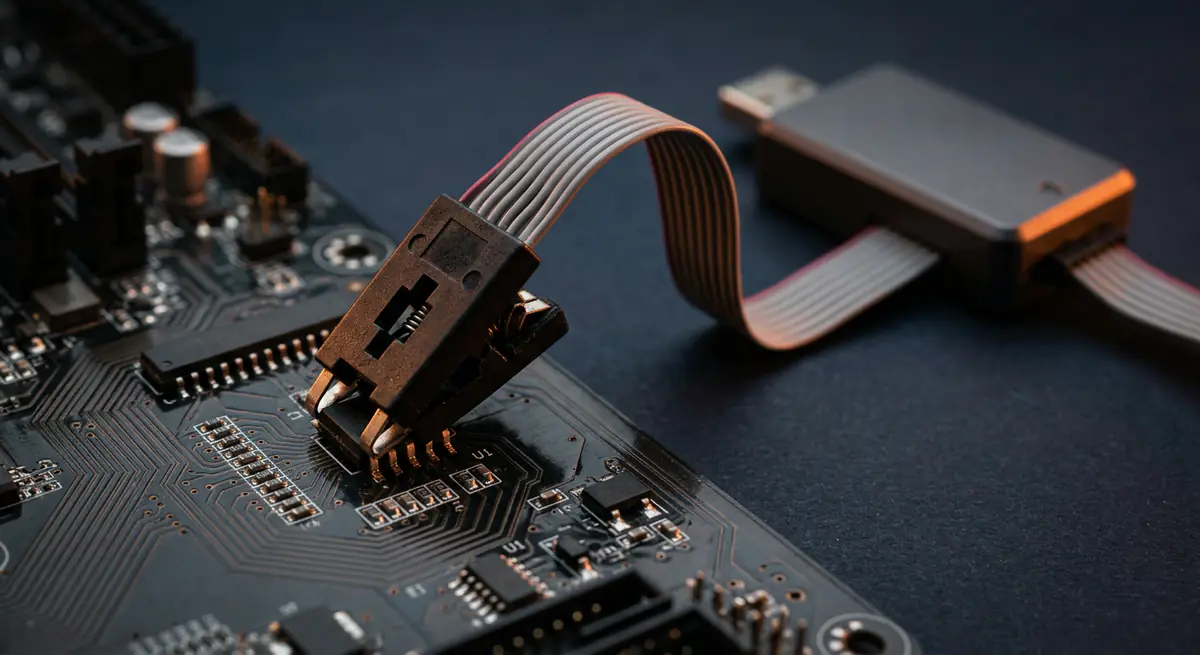
We reflash the BIOS, program the chip directly when needed and restore working settings.
What's included
- BIOS reflashing
- Chip programming
- Settings recovery
- BIOS recovery and reflash
- Direct chip programming
- Settings reset and configuration
- CMOS battery check
Brands we repair
- HP
- Dell
- Lenovo
- Asus
- Acer
- Apple
- MSI
- Custom PCs
Do you need this service?
If any of these sound familiar, it's time to get it checked before it gets worse.
Power on but no display after a BIOS update
Boot loop before the logo
BIOS settings keep resetting
Locked by a BIOS password
From call to fixed.
Diagnose
Confirm the fault is in the BIOS.
Recover
Recovery mode or direct chip programming.
Configure
Correct settings restored.
Test
Clean boot and stability checked.
Common causes
What usually leads to this problem.
- Interrupted BIOS update
- Power loss during update
- Wrong BIOS file
- Failing CMOS battery
Tips from our technicians
Simple habits that help — before and after the repair.
- Keep the charger connected during BIOS updates
- Use only the manufacturer’s official BIOS file
- Do not update BIOS without a reason
Common questions
Everything you need to know about bios problems / corrupted bios with Fix Point.
Can a failed BIOS update be fixed?
In most cases yes, by reflashing or programming the BIOS chip directly.
Can you remove a forgotten BIOS password?
We can help with proof of ownership. The method depends on your model.
Why does my BIOS time keep resetting?
Usually a weak CMOS battery, which we can replace.
Do I need a new motherboard?
Rarely. Most BIOS issues can be fixed by reflashing or programming the chip.
How do I book a repair?
Just call or WhatsApp us on +91 98447 42792, or send a message from our contact page. Tell us the issue and a convenient time, and we will schedule a visit.
Will I get a quote before the work starts?
Always. We diagnose the issue first and give you a clear, upfront quote. No work begins without your approval.
Do you use genuine parts?
Yes. We use genuine or high-quality compatible parts and will always tell you which option you are getting before we fit it.
You may also need


Laptop acting up? Stay put — we'll come to you.
Book a doorstep visit in minutes. Upfront quotes, genuine parts and repairs done right in front of you.