Wi-Fi Not Detected
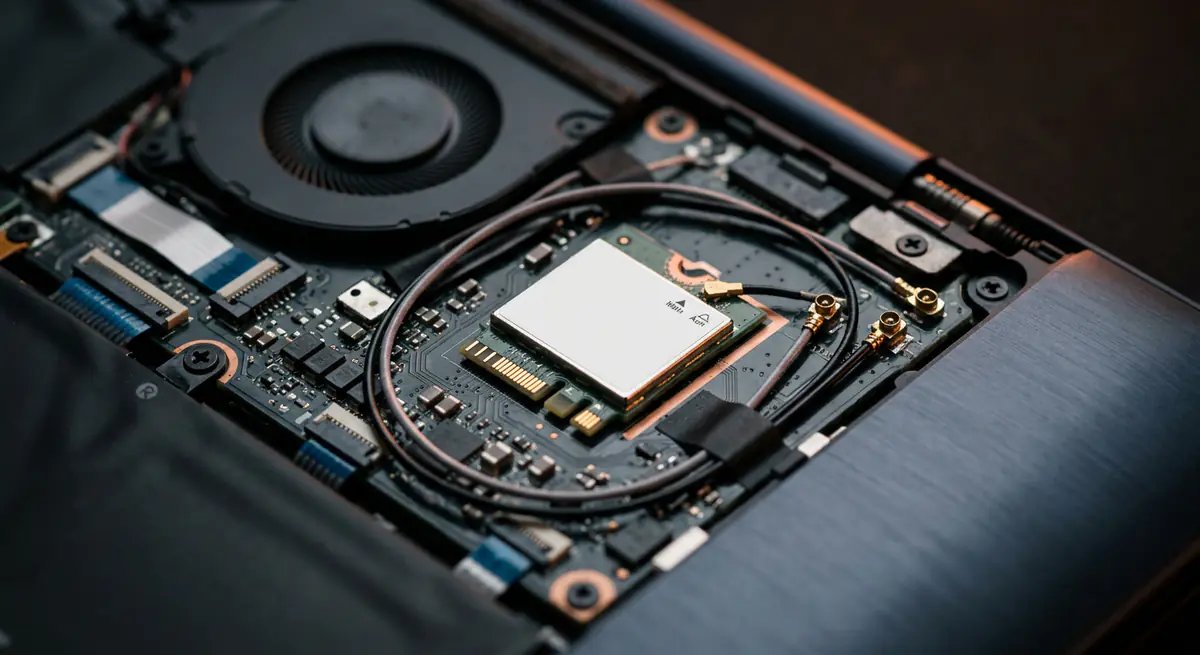
If your laptop suddenly cannot see any Wi-Fi networks, the cause may be a driver, a disabled adapter, a loose antenna or a failed Wi-Fi card.
- Typical time30 min – 1.5 hours
- Service modeAt your doorstep
- PricingUpfront quote
About this service
If your laptop suddenly cannot see any Wi-Fi networks, the cause may be a driver, a disabled adapter, a loose antenna or a failed Wi-Fi card.
We check each layer and get you back online — upgrading to a faster card if it makes sense.
What's included
- Driver reinstall & fixes
- Antenna repair
- Wi-Fi card replacement
- Driver reinstall and settings reset
- Adapter and BIOS check
- Antenna inspection
- Wi-Fi card replacement or upgrade
- Speed test after fix
Brands we repair
- HP
- Dell
- Lenovo
- Asus
- Acer
- Apple
- MSI
- Custom PCs
Do you need this service?
If any of these sound familiar, it's time to get it checked before it gets worse.
No Wi-Fi icon or networks listed
Weak signal compared to other devices
Wi-Fi drops frequently
Stopped working after an update
From call to fixed.
Software check
Drivers, settings and network stack.
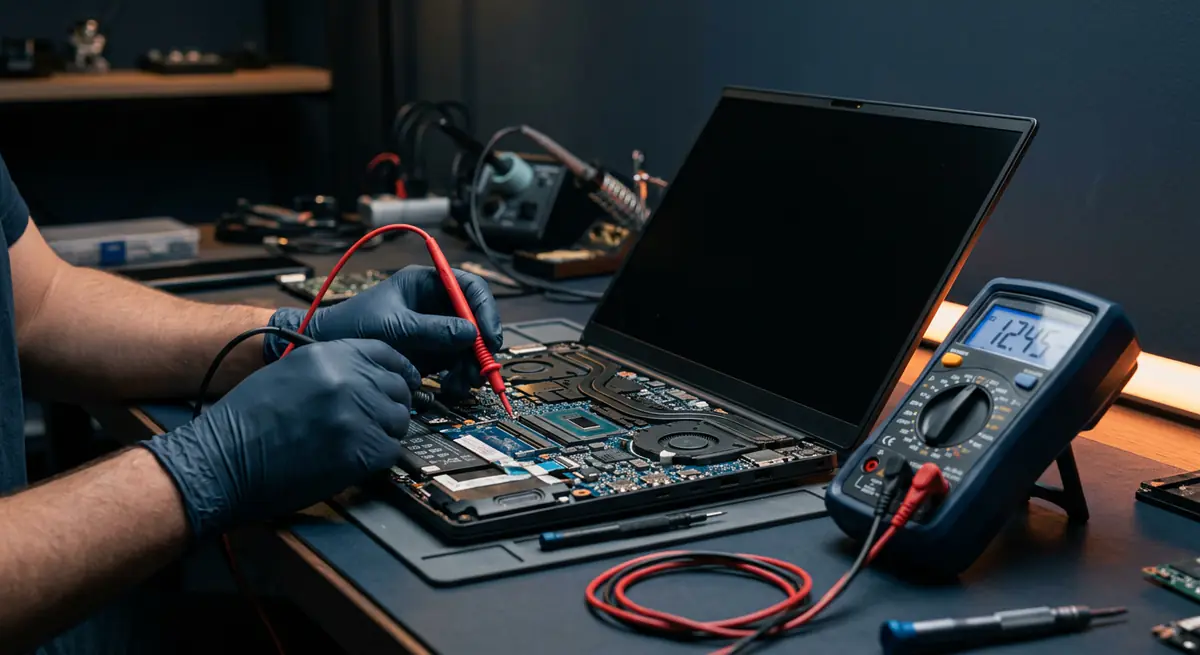
Hardware check
Card seating and antenna connections.
Fix or replace
Repair, or install a new compatible card.
Speed test
Confirm a stable, fast connection.
Common causes
What usually leads to this problem.
- Driver issues after updates
- Airplane mode or disabled adapter
- Loose antenna cable
- Failed Wi-Fi card
Tips from our technicians
Simple habits that help — before and after the repair.
- Check airplane mode and function keys first
- Restart the router as well
- Keep network drivers up to date
Common questions
Everything you need to know about wi-fi not detected with Fix Point.
Can you upgrade to Wi-Fi 6?
On many laptops, yes. We will check compatibility for your model first.
Can a USB Wi-Fi adapter fix it temporarily?
Yes, a USB adapter can get you online while waiting for a proper repair.
Why is my Wi-Fi slow only on my laptop?
It could be an old card, a weak antenna or driver settings. We check all three.
Is Bluetooth affected too?
On many laptops Wi-Fi and Bluetooth share a card, so both may be affected and fixed together.
How do I book a repair?
Just call or WhatsApp us on +91 98447 42792, or send a message from our contact page. Tell us the issue and a convenient time, and we will schedule a visit.
Will I get a quote before the work starts?
Always. We diagnose the issue first and give you a clear, upfront quote. No work begins without your approval.
Do you use genuine parts?
Yes. We use genuine or high-quality compatible parts and will always tell you which option you are getting before we fit it.
You may also need
Laptop acting up? Stay put — we'll come to you.
Book a doorstep visit in minutes. Upfront quotes, genuine parts and repairs done right in front of you.